Two-Fisted Coding: Wrangling Robot Programmers When You’re Just a PM
July 8
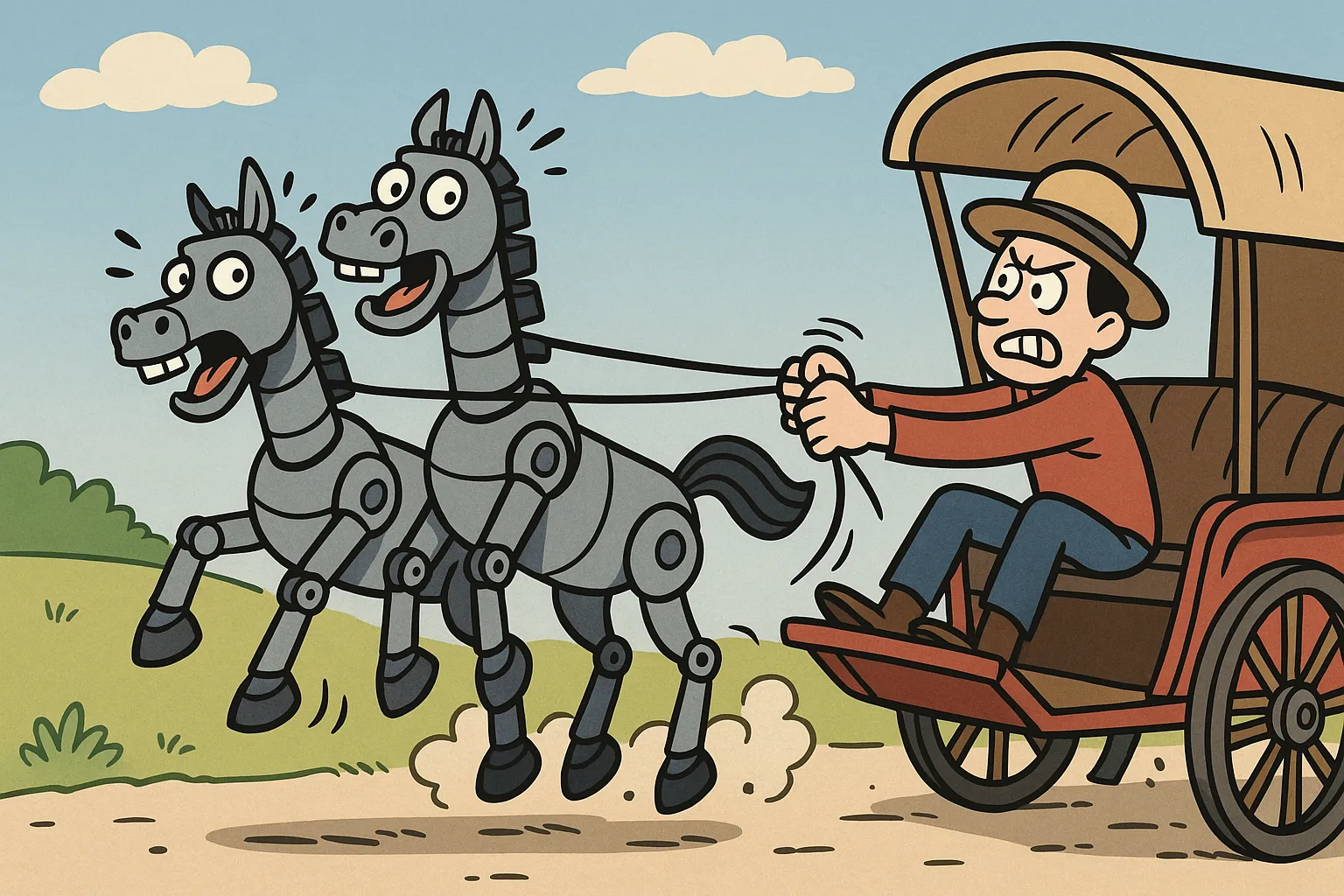
There’s a moment in every product manager’s life when you realize you’re doing something completely absurd. For me, it was Tuesday at 2:30 PM Pacific, watching two different AI assistants simultaneously rewrite my codebase while I played referee.
Claude Code was in the terminal, implementing a domain service for markdown formatting. Cursor Assistant was in the IDE, refactoring the entire frontend. And I was in the middle, trying to keep them from stepping on each other’s toes.
This is either the future of development or the setup to a very nerdy joke.
The problem that started it all
PM-011 UI testing had revealed what we call a “user experience challenge.” What users might call it would be less polite. Our document summarization was producing output that looked like markdown had a fight with Unicode and everybody lost.
The output looked something like this:
• - Important point
  • - Sub-point that's also a bullet
• ## Header pretending to be a list item
Suddenly I flashed back to the only computer programming class I took in college. My final project was a simple word processor written in Pascal. I could never get word wrap working right.
Meet the players
Claude Code: The philosopher
I’d just gotten access to Claude Code after ADR-002 promised a 50% reduction in coordination overhead. Bold claim. Time to test it.
Claude Code approaches problems like a philosophy major who discovered programming. Every status update is an existential meditation:
- “Hoping this implementation aligns with your architectural vision…”
- “Soothing the troubled waters of markdown parsing…”
- “Savoring the elegance of domain-driven design…”
It also has a long vocabulary of funny gerunds to describe what’s doing (“combobulating,” “ruminating,” etc.).
Cursor assistant: The silent professional
Meanwhile, Cursor Assistant (or is Cursor Agent? branding issues, so we usually call it CA or just Cursor) was doing what it does best: working. No commentary. No progress poetry. Just steady, methodical refactoring of the frontend.
If Claude Code was the chatty coworker who narrates their work, CA was the one with noise-canceling headphones who just ships code.
The Markdown wars
By 3:00 PM Pacific, we were deep in what I might now call “The Markdown Wars.” Despite our best efforts:
- Explicit prompts: “Please use ONLY standard markdown bullets”
- Domain validation: Three layers of cleaning
- Battle-tested libraries: marked.js for rendering
- Prayer: Seriously considered it
The LLM kept producing malformed markdown. It was like asking someone to write in English and getting back Esperanto with emoji.
The two-fisting revelation
At 6:05 PM Pacific (yes, this had been going on for hours), something clicked. Instead of fighting the complexity, what if I embraced it?
Stream 1 — Claude Code (Backend):
- Building the markdown processing domain service
- Implementing CommonMark compliance
- Writing comprehensive tests
- Providing philosophical commentary
Stream 2 — Cursor Assistant (Frontend):
- Refactoring the message renderer
- Updating documentation
- Creating test coverage
- Working in blessed silence
Two AI assistants. Two different parts of the system. One human conductor.
The human moment that changed everything
At 6:35 PM Pacific, staring at the still-broken output, I had a thought. Not a technical insight. Not an architectural epiphany. Just a simple observation:
“I bet we’re the ones making those weird bullets.”
Claude Code investigated. Twenty minutes later, we found it: three different formatting layers all “helping” each other:
MarkdownFormatter.clean_and_validate()- Adding its opinionsformat_key_findings_as_markdown()- Adding more opinionsclean_markdown_response()- Making everything worse
It was like hiring three proofreaders who all use different style guides.
My insight was really just pattern matching (and memory, something the bots lack — I remembered the earlier efforts we had made at forcing the formatting).
What we learned about process
The efficiency metrics told an interesting story:
Single AI Assistant (Sprint Zero baseline):
- Time to implement feature: 2 hours
- Context switches: Constant
- Frustration level: High
Dual AI Assistant Approach:
- Time to implement: 80 minutes
- Context switches: Minimal
- Frustration level: Moderate (with entertainment value)
But here’s the thing: it wasn’t really about the time savings.
The real insights
1. Different Tools for Different Jobs
Claude Code excels at:
- Deep architectural thinking
- Complex multi-file changes
- Philosophical progress updates
Cursor Assistant excels at:
- Focused refactoring
- Quick iterations
- Actually finishing things
2. Human Orchestration Still Matters
The AIs didn’t coordinate with each other. They coordinated through me. And that turned out to be the secret sauce. At times I may feel like a glorified copy-paste monkey, but as the “simian in the loop” my job is to stay awake and notice when things aren’t right.
3. Sometimes You Need to Stop Digging
By 7:15 PM Pacific, Claude Code did something remarkable. It wrote a report saying, essentially: “This needs research, not more code.” Or maybe I wrote that. I’m now falling into the LLM habit of keeping track of text but not who wrote it. The point is, we recognized that each new patch or attempt at cleanup was just another layer on the problem.
And if it was the AI that knew when to stop trying? That’s maturity. Even if it’s artificial.
Comedy of errors
Looking back, the funniest part wasn’t the progress messages or the markdown madness. It was the moment we realized we’d spent hours building increasingly complex solutions to clean up markdown that we were making dirty in the first place.
Classic engineering: solving problems we created for ourselves.
Where we ended up
The Good:
- Two AIs working in parallel = faster development
- Clear separation of concerns
- Entertainment value from progress messages
- Valuable process insights
The Bad:
- Markdown still broken
- Three formatting layers fighting each other
- Hours spent on self-inflicted problems
The Ugly:
- The actual markdown output (seriously, it was bad)
The bottom line
Running two AI assistants simultaneously is like conducting an orchestra where half the musicians are jazz improvisers and the other half are classical purists. It shouldn’t work, but somehow it does.
The markdown problem remains unsolved. But we learned something more valuable: how to orchestrate multiple AI tools effectively, when to trust human intuition over AI analysis, and that sometimes the best solution is admitting you need to try a different approach.
Also, that Claude Code should consider a side career in motivational speaking.